Smarter mob AI
Mobs find targets, food and paths with far fewer wasted checks, so crowded villages and farms stop dragging the whole world down.
Canary Mod is a free, open-source optimization mod that speeds up Minecraft's game logic: mob AI, collisions, hoppers and chunk ticking. Get the right Canary Mod download for your version, install it in five minutes and keep every farm and redstone build working exactly as before.
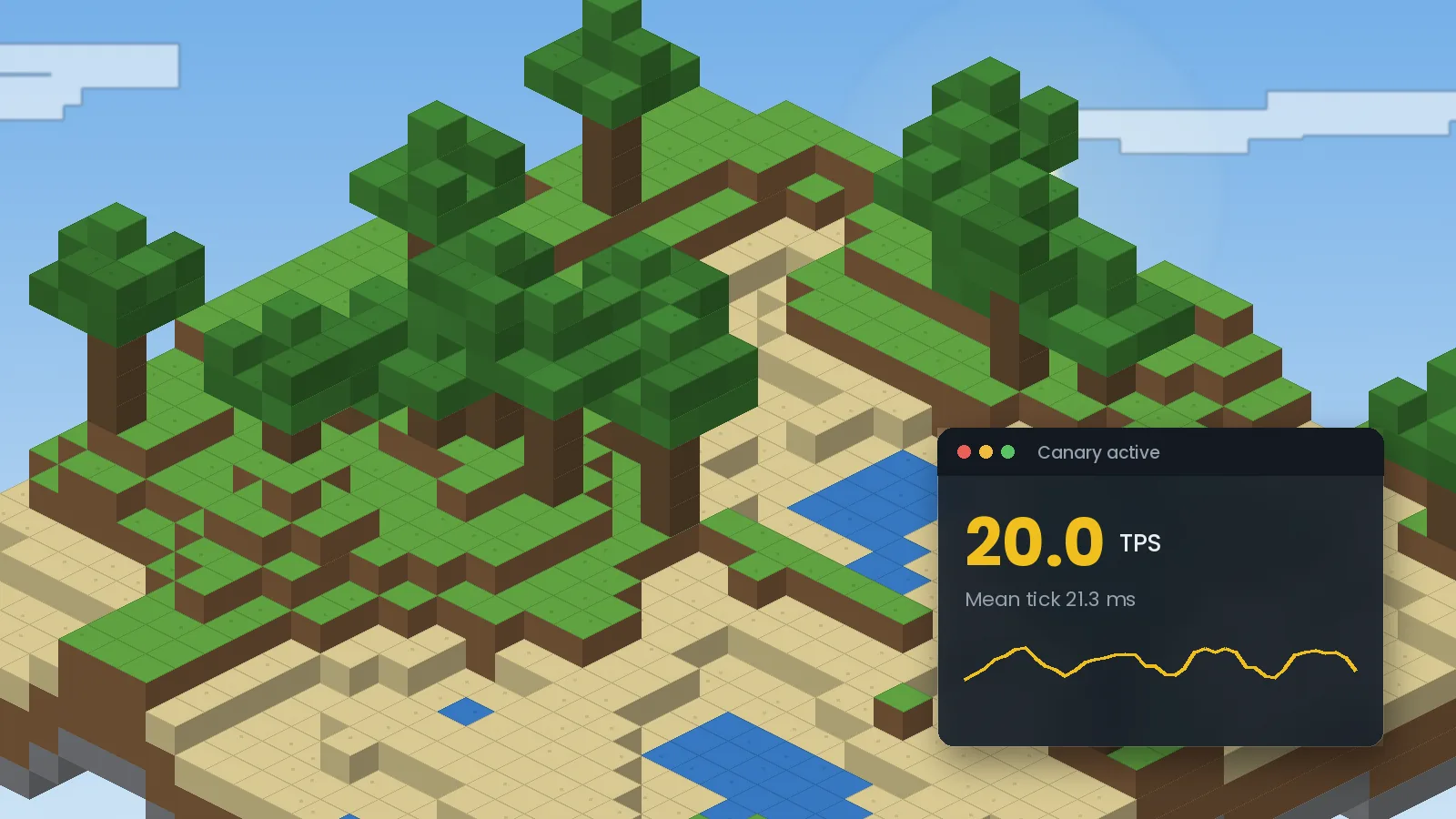
Canary is a Minecraft: Java Edition mod that makes the game's simulation run faster without changing how the game plays. It targets the work Minecraft does every tick: moving mobs, checking collisions, running hoppers and furnaces, and updating chunks. When those jobs finish sooner, the world stays at a steady 20 ticks per second and feels smoother.
Canary began as a port of Lithium, the respected Fabric optimization mod by the CaffeineMC team. Forge players had no direct equivalent that kept pace with new releases, so developer AbdElAziz333 brought Lithium's patches to Forge and later to NeoForge. It has since become a common part of Forge modpacks. It is unrelated to CanaryMod, an older Minecraft server platform with a similar name.
Vanilla Minecraft does a lot of repeated or unnecessary work, especially with many entities and machines loaded. Canary exists to remove that waste while matching vanilla results, so players get performance without trading away the game mechanics that farms, redstone and technical builds depend on.
Anyone on Forge or NeoForge benefits, and the gains are largest for server owners, players of big modpacks, technical players with large farms and anyone on modest hardware. New to mods? Our beginner guide to Canary explains the basics in plain English.
Nine areas where Canary trims the work Minecraft does each tick. You get the benefits automatically after installing, with no settings to tune.
Mobs find targets, food and paths with far fewer wasted checks, so crowded villages and farms stop dragging the whole world down.
Leaner collision math keeps large mob farms and animal pens responsive instead of eating your tick budget.
Hoppers, furnaces and similar blocks idle when they have nothing to do, which frees time in storage-heavy bases.
More headroom inside each 50 ms tick means your server holds 20 TPS longer when players spread out and load chunks.
Every patch aims to return the same result as the original code. Farms, redstone and mechanics keep working as designed.
Canary avoids creating short-lived objects, so Java's garbage collector interrupts gameplay less often.
A plain config file lets you disable any single optimization to resolve a rare mod conflict without losing the rest.
Works in single-player, on LAN and on dedicated servers. Players can join a Canary server without installing it.
Published under the LGPL-3.0 license with public source code. No accounts, no paywalls and no telemetry.
Canary itself is tiny. The real requirements are those of Minecraft: Java Edition and your mod loader. Canary reduces CPU load, so it helps most on the minimum tier.
We link only to official pages, so you always get the genuine, current file. Choose your Minecraft version, then pick the newest file for your loader.
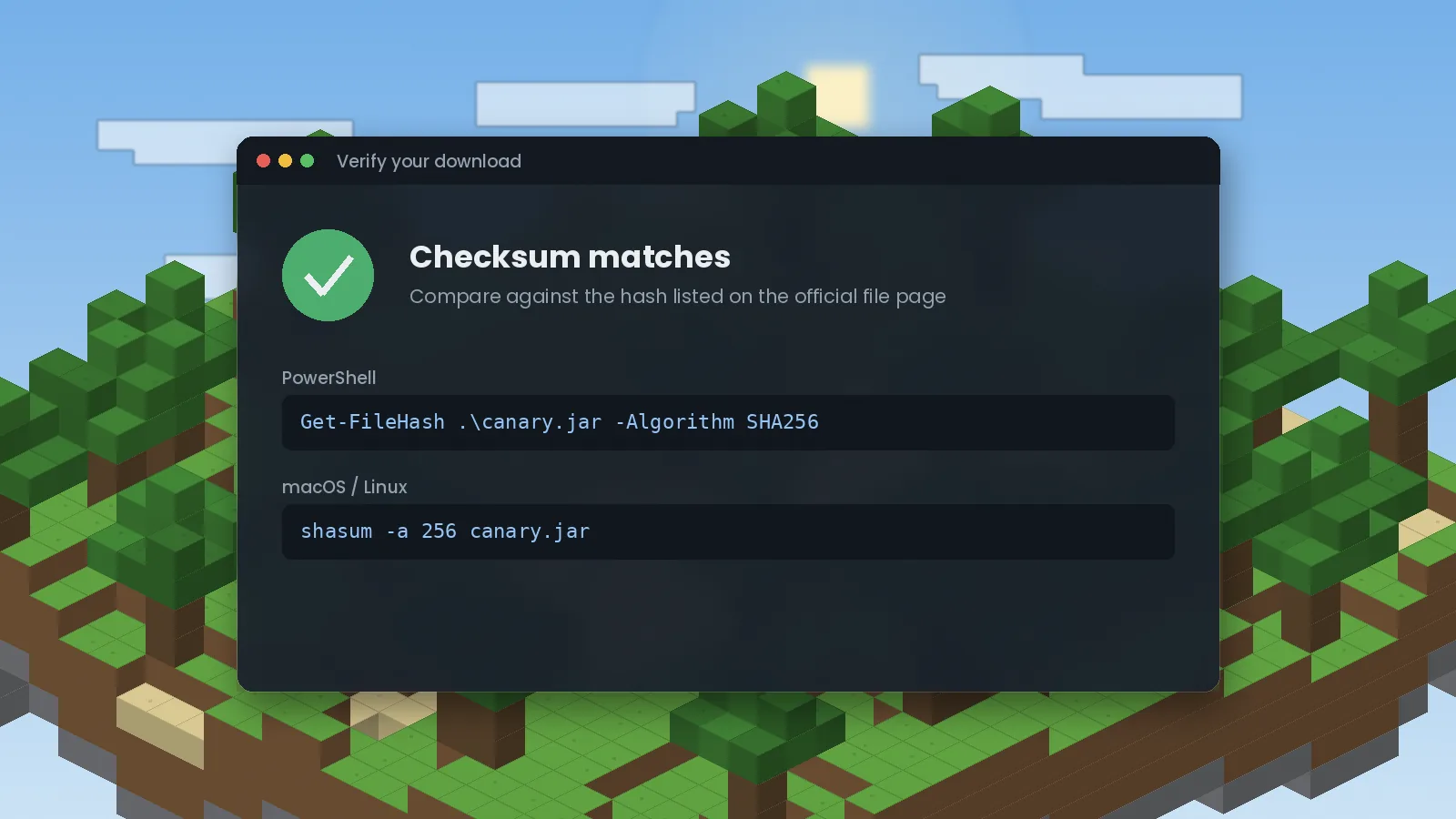
Every official file page lists the file's hash. Run this on your download and compare the result:
Get-FileHash .\canary.jar -Algorithm SHA256macOS and Linux: shasum -a 256 canary.jar
| Minecraft | Loader | Java | Guide |
|---|---|---|---|
| 1.21.10 / 1.21.11 | NeoForge | 21 | Check availability |
| 1.21.1 | NeoForge | 21 | 1.21.1 guide |
| 1.20.1 | Forge | 17 | Install guide |
| 1.19.2 / 1.18.2 | Forge | 17 | Install guide |
| 1.16.5 | Forge | 8 | Legacy guide |
| 1.12.2 | No official build | – | Alternatives |
| Fabric (any) | Use Lithium | – | Why |
Avoid re-upload sites. Unofficial "Canary" downloads, especially ones labelled for Fabric or 1.12.2, can carry adware or altered code. If a site asks you to complete a survey or run an installer, close it.
The steps are the same everywhere: install the loader, add one jar, launch. Only the folder location changes. Full walkthrough with screenshots in our installation guide.
Run the installer for your Minecraft version and choose Install client. Launch the new profile once, then close the game.
Use the download section above and match your Minecraft version and loader exactly.
Press Win + R, enter %appdata%\.minecraft and open mods. Create it if missing.
Drag the Canary .jar into the folder. Do not unzip it.
Start the Forge or NeoForge profile and check the Mods screen for Canary.
Open the Forge or NeoForge installer. If macOS blocks it, right-click the file and choose Open.
Grab the file that matches your Minecraft version and loader.
In Finder choose Go, then Go to Folder, and enter ~/Library/Application Support/minecraft/mods.
Copy the jar in, start the modded profile and confirm Canary in the Mods list.
Use the official launcher or Prism Launcher, which manage Java for you. Run the loader installer with java -jar installer.jar if needed.
Choose the file for your Minecraft version and loader.
cp canary*.jar ~/.minecraft/mods/ (or your launcher's instance folder).
Start the profile and confirm Canary in the Mods screen or the log.
Canary is a Java Edition mod. Minecraft Bedrock from Google Play cannot load it. The steps below rely on unofficial community launchers.
Use a reputable, open-source community launcher and sign in with the Microsoft account that owns Java Edition.
Install Forge through the launcher for a supported version such as 1.20.1.
Import the jar through the launcher's mod manager or copy it to the profile's mods folder.
Keep render distance low and allocate memory within your phone's limits.
There is no official way to run Java Edition mods on iPhone or iPad. Community launchers exist but usually need JIT enabled through extra tools, and results vary. We recommend a computer for Canary.
Read the community launcher's requirements for your iOS version and device first.
Install Forge for a supported version inside the launcher.
Add the jar through the launcher's file import and start the profile.
Canary works the moment it loads. These guides help you confirm it is working and get the most from it.
/spark profiler) before and after installing./forge tps or /neoforge tps to watch each dimension.Canary adds no keybinds. These vanilla shortcuts help you see its effect.
Canary uses the Mixin framework to replace slow pieces of Minecraft's code at launch. The sequence below happens automatically every time you start the game.
Forge or NeoForge finds the Canary jar in your mods folder.
Canary checks which optimizations are enabled in its properties file.
Enabled patches swap slow vanilla methods for faster, equivalent ones.
Mobs, collisions and machines run through the leaner code each tick.
The outcome matches vanilla, finished sooner, so TPS stays steady.
Canary runs wherever Minecraft: Java Edition runs with Forge or NeoForge. Browsers matter only for downloading.
| Category | Supported | Notes |
|---|---|---|
| Operating systems | Windows 10/11, macOS 11+, Linux | Anywhere Java Edition runs |
| Mobile | Android, iOS (unofficial) | Only through community Java launchers |
| Browsers (download) | Chrome, Edge, Firefox, Safari, Opera | Any modern browser |
| Devices | Desktops, laptops, dedicated servers | Largest gains on servers and low-power laptops |
| Mod loaders | Forge, NeoForge | Not Fabric or Quilt (use Lithium) |
| Launchers | Official, CurseForge, Prism, Modrinth App, ATLauncher | One-click install in most |
| Integrations | Embeddium, FerriteCore, ModernFix, Spark | Conflicts with Radium and other Lithium ports |
| Server software | Forge and NeoForge servers | Not for Paper/Spigot plugin servers |
Our honest assessment after testing Canary on Forge 1.20.1 and NeoForge 1.21.1.
Play modded Minecraft on school laptops with integrated graphics. Canary frees CPU time so worlds stay playable, and its open source code is a good real-world example of performance engineering in Java.
Big modpacks, mob farms and busy villages run more smoothly. You keep vanilla behaviour, so builds and strategies work exactly as expected.
Test your mods against a common pack component and study how targeted mixins remove overhead without changing results.
Server hosts and community networks lower CPU load per server, reduce lag complaints and fit more players on the same hardware.
Educational and research servers running entity-heavy simulations get more reliable tick timing on modest machines.
Record and stream large builds with fewer stutters, and keep recording software from competing with an overloaded game tick.
Select any image to enlarge it.
Most problems come from a version mismatch or a duplicate optimizer. Start here, then see our full crash fix guide.
Remove Radium or any other Lithium port. If another mod is named, disable the specific Canary option in the config file.
The file does not match your Minecraft version or loader. Download the build for your exact version from the download section.
Wrong Java. Use Java 8 for 1.16.5, 17 for 1.18 to 1.20.4, and 21 for 1.20.5 and newer.
Make sure you launched the Forge or NeoForge profile, not vanilla, and that the jar sits directly in mods, not in a subfolder or zip.
Yes, when downloaded from official sources. Canary is open source, published on moderated platforms and asks for no special permissions.
Canary has no accounts, analytics or telemetry. It runs entirely inside Minecraft and does not send data anywhere. This website's own data practices are described in our privacy policy.
None beyond what Minecraft already has. Canary reads and writes only its own config file in your instance's config folder.
No data collection by the mod. Download platforms such as Modrinth and CurseForge have their own policies for download statistics.
Public source code, moderated hosting, published file hashes and no installers or executables. The jar is loaded only by your mod loader.
Some mods replace Canary on other loaders; others complement it. Ratings are our editorial scores for performance impact, stability and maintenance. Detailed breakdown in Canary vs Lithium.
| Software | Price | License | Loaders / OS | Features | Rating | Pros | Cons |
|---|---|---|---|---|---|---|---|
| Canary | Free | LGPL-3.0 | Forge, NeoForge / Win, macOS, Linux | Game logic, AI, ticking | 4.8 | Vanilla parity, Forge support | No Fabric build |
| Lithium | Free | LGPL-3.0 | Fabric, Quilt, NeoForge | Game logic, AI, ticking | 4.9 | Original, fast updates | Limited Forge support |
| Radium | Free | LGPL-3.0 | Forge (older versions) | Lithium port | 3.8 | Covers some older packs | Less active, conflicts with Canary |
| Embeddium | Free | LGPL-3.0 | Forge, NeoForge | Rendering, FPS | 4.7 | Large FPS gains | Some shader add-ons need care |
| FerriteCore | Free | MIT | Forge, NeoForge, Fabric | Memory use | 4.8 | Lower RAM, very stable | No TPS or FPS change |
| ModernFix | Free | LGPL-3.0 | Forge, NeoForge, Fabric | Startup, memory, fixes | 4.7 | Much faster launch | Many options to learn |
Licenses and loader support can change between versions. Check each project's official page before redistributing.
Our 1.20.1 server used to dip below 18 TPS every evening when everyone's farms were loaded. After adding Canary server-side we sit at 20 almost all the time. It took one file and a restart, and nothing about our redstone builds changed.
Tested on 1.20.1 ForgeI test my own mods against Canary because so many packs include it. It has been well behaved, and when I did hit a conflict the config let me pinpoint the exact mixin. Having the source available made the fix straightforward.
Tested on 1.21.1 NeoForgeI play on a mid-range laptop. Canary alone did not change my FPS much, but walking through villages stopped stuttering. Adding Embeddium on top made the real FPS difference. Worth it for how little effort it takes.
Tested on 1.20.1 ForgeI was worried an optimizer would break my iron farm rates. It did not. Rates matched vanilla in my tests, and my hopper-heavy storage system uses noticeably less tick time in the profiler.
Tested on 1.21.1 NeoForgeWe add Canary to most Forge server templates we offer. Customers see fewer lag complaints and it has not caused support tickets on its own. The only issues we have seen came from customers adding Radium as well.
Tested on 1.19.2 ForgeWe run Minecraft worlds for classroom simulations with many entities. Canary helped keep things responsive on modest hardware. I would like clearer per-option documentation, but the defaults have worked well.
Tested on 1.20.1 ForgeQuick answers to the questions players ask most.
Download Canary only from its official pages on Modrinth, CurseForge or the developer's GitHub releases. These sources host the genuine files and show which Minecraft version and loader each file supports. CanaryMod.com does not host mod files; every download button on this site links straight to those official pages, so you always get the original, unmodified jar from the source.
Yes. Canary is completely free and open source. There is no paid version, no premium tier and no account required to use it. You can download it, use it in single-player or on a server, and include it in public modpacks, following the terms of its open-source license. Any site asking you to pay for Canary or unlock it with a survey is not legitimate.
Install Forge or NeoForge for your Minecraft version, launch it once, then download the matching Canary jar. Place the jar in the mods folder inside your Minecraft directory without unzipping it. Launch the Forge or NeoForge profile and open the Mods screen to confirm Canary is listed. The whole process takes about five minutes with the official launcher.
No. Canary is built for Forge and NeoForge only, because it exists to bring the Lithium optimizations to those loaders. If you play on Fabric or Quilt, install Lithium instead. Lithium is the original project that Canary is based on and it is actively maintained. Treat any file labelled as a Fabric version of Canary as unofficial and potentially unsafe.
Choose the file that matches your exact Minecraft version and loader. Minecraft 1.21.1 is usually played on NeoForge with Java 21. For later patches such as 1.21.10 or 1.21.11, check the official file list for a build with that exact number. A jar made for one patch is not guaranteed to load on another, so do not swap them.
Canary has Forge builds for Minecraft 1.16.5, which runs on Java 8. We are not aware of any official build for 1.12.2, because the code Canary is based on targets far newer versions of the game. Files claiming to be Canary for 1.12.2 are likely mislabelled or unsafe. For 1.12.2 packs, use the performance mods from that era instead.
For multiplayer, the server copy does the important work, because the server simulates the world. Installing Canary on each player's client is optional but harmless, and it helps in single-player where your PC runs its own internal server. Canary does not add blocks or items, so players can join a Canary server even without it installed on their client.
Canary is a Java Edition mod, so it does not work with Minecraft Bedrock on phones or tablets. Some community launchers can run Java Edition with Forge on Android, and a few do on iOS with extra setup. These launchers are unofficial, performance varies widely and support is limited. A Windows, macOS or Linux computer gives a far more reliable experience.
Back up your world, then download the newest Canary file for the same Minecraft version and loader. Delete the old Canary jar from your mods folder and add the new one; never keep both. Launch the game and check that it loads normally. Launchers like CurseForge, Prism and the Modrinth App can update Canary automatically when you update your instance.
Canary from its official sources is safe. It is open source, so anyone can read its code, and it is published on moderated platforms that scan uploads. The risk comes from unofficial re-upload sites that bundle adware or altered files. Download from Modrinth, CurseForge or GitHub, and compare the file hash with the one shown on the official file page if you want extra assurance.
Canary is designed to keep vanilla behaviour. Its patches return the same results as the original game code, just faster, so mob farms, redstone and game mechanics should work the same. If you find a genuine difference, it is treated as a bug. Report it on the official issue tracker with your Minecraft version, Canary version and a description of the build.
Canary is distributed under an open-source license inherited from Lithium, the GNU Lesser General Public License version 3. In practice this means you can use it freely, include it in modpacks and read or modify the source code, as long as you follow the license terms when redistributing changes. Check the repository for the current license file before redistributing.
Most crashes come from a mismatch: the wrong loader, the wrong Minecraft version or the wrong Java version. The next most common cause is a second Lithium-based mod, such as Radium, installed alongside Canary. Open logs/latest.log, read the first ERROR line, and check it against these causes. Our crash guide explains each fix step by step.
A mixin error means Canary could not patch a piece of game code as expected. First remove any duplicate optimization mod. If the crash report names another mod, find the Canary option mentioned in the report, set it to false in the config file and restart. Disable one option at a time, and report the conflict to both mod developers.
Canary mainly improves ticks per second, the speed of the game's simulation, rather than frames per second. You may see smoother gameplay and fewer stutters, especially in busy worlds, but big FPS gains come from rendering mods. Pair Canary with Embeddium on Forge or NeoForge for higher frame rates, and FerriteCore for lower memory use.
Canary works with the vast majority of Forge and NeoForge mods and ships in many large modpacks. Conflicts are uncommon and usually involve mods that rewrite the same core systems, such as other Lithium ports. If a conflict appears, the config file lets you switch off one specific optimization rather than removing Canary entirely.
On Fabric or Quilt the direct alternative is Lithium. On older Forge versions some packs used Radium. For different bottlenecks, Embeddium improves rendering, FerriteCore lowers memory use and ModernFix speeds up loading. These complement Canary rather than replace it. See our comparison table for licenses, supported loaders and the main pros and cons of each.
No. Canary is a Minecraft optimization mod and has no connection to Final Fantasy IX. FF9 modding on PC uses separate tools, such as the community Memoria engine project. Searches combining Canary with FF9 usually mix up unrelated projects that happen to share a word. If you are looking for Final Fantasy mods, visit dedicated FF9 modding communities.
Step-by-step help for every version and setup.
Canary Mod explained: what this Forge and NeoForge optimization mod does, how it relates to Lithium, and whether it will help your world run smoother.
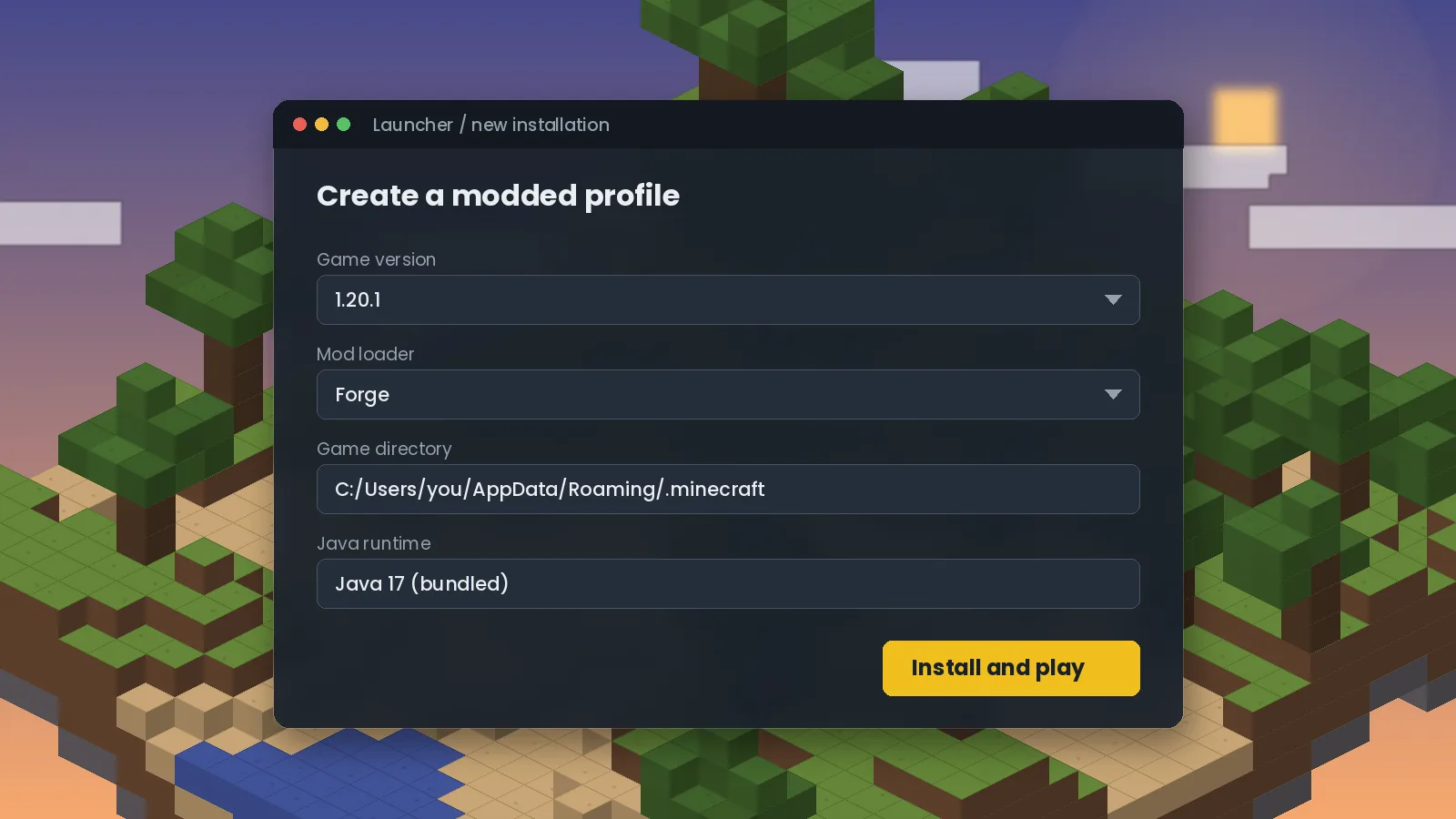
Install Canary Mod in five minutes: pick the right file, set up Forge or NeoForge, place the jar in your mods folder and confirm it loaded correctly.

Find the right Canary Mod file for Minecraft 1.21.1, 1.21.10, 1.21.11 and 1.20.1. Learn how loader, Minecraft and Java versions fit together.
Questions about this guide, corrections or partnership requests. For bugs in the mod itself, please use the official GitHub issue tracker.
Pick your Minecraft version, drop one file into your mods folder and launch. Canary keeps vanilla behaviour, so your worlds and farms work the same way.