Key takeaways
- The default configuration enables everything and is the recommended setup.
- Options live in a properties file inside your config folder after the first launch.
- Each option controls one mixin; disable only what a crash report names.
- Restart the game after every change and re-test.
The best settings are the defaults
Unlike graphics mods, Canary has no sliders to tune for quality versus speed. Every optimization is designed to produce the same result as vanilla, just faster. That means there is nothing to gain by turning options off. The recommended configuration is the default one: everything enabled.
Where the config file lives
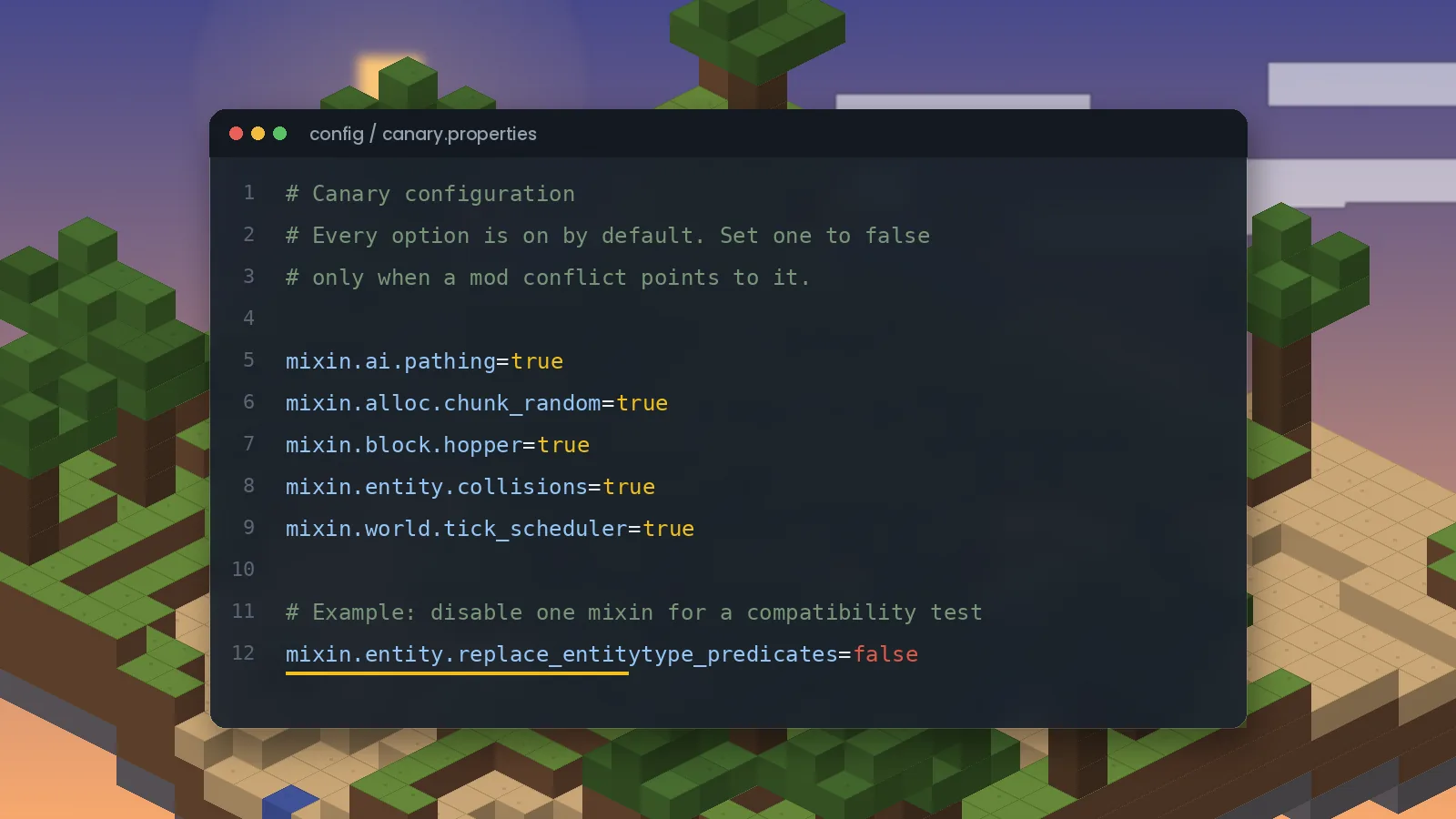
After you launch the game once with Canary installed, a properties file appears in your instance's config folder, named after the mod, for example canary.properties. On a server it is in the server's config folder. Open it with any plain text editor such as Notepad, TextEdit or VS Code.
How the options work
The file uses a simple key=value format. Each key names a mixin, a group of patches for one area of the game. Lines look like this:
mixin.ai.pathing=true
mixin.entity.collisions=true
mixin.block.hopper=true
Setting a value to false disables that group on the next launch. The exact list of keys changes between versions, so use the names in your own file or in the crash report rather than copying lists from the internet.
Disabling a mixin to fix a conflict
- Open
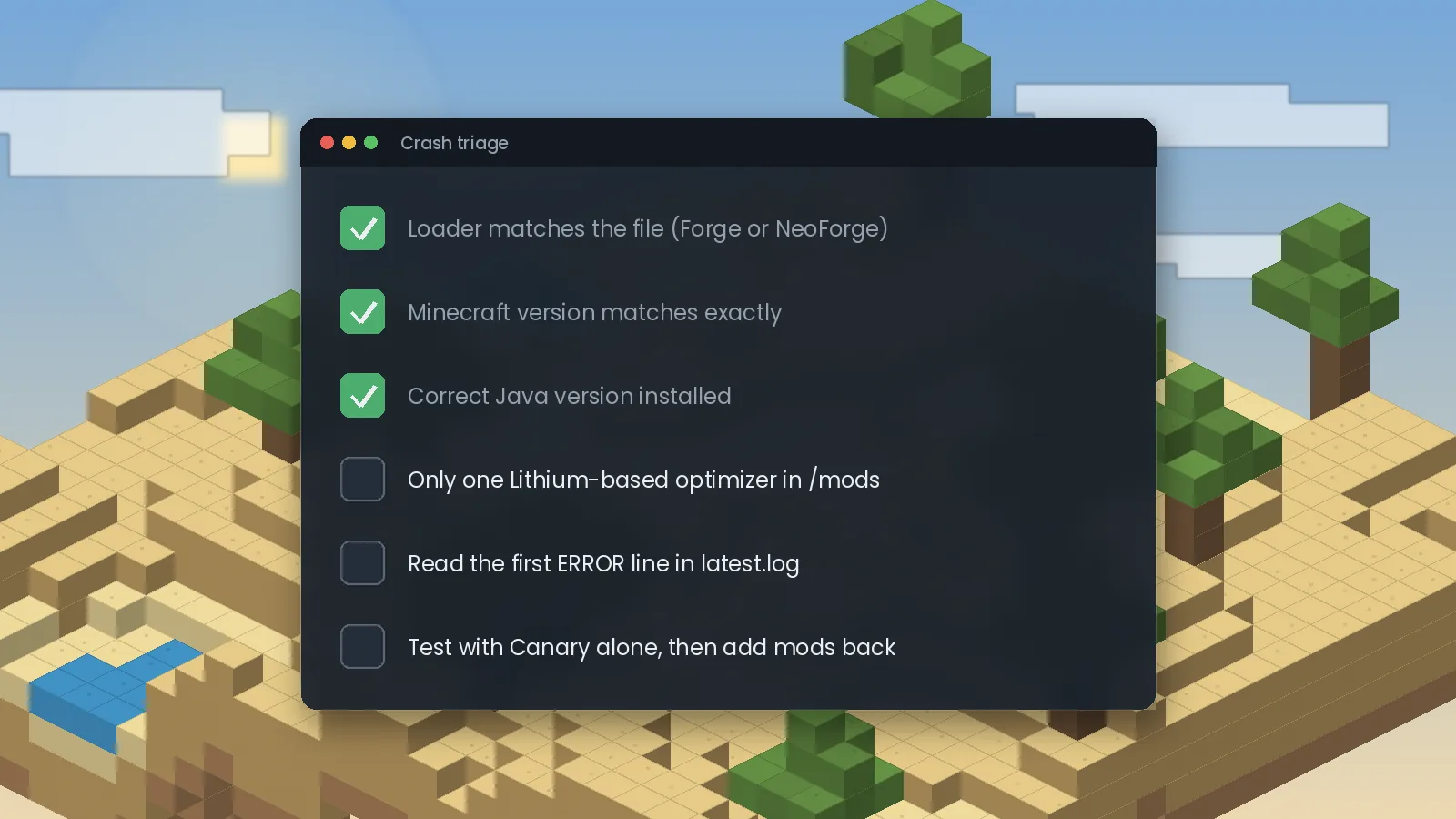
logs/latest.logor the crash report and find the line mentioning Canary and a mixin name. - Find the matching key in the config file and set it to
false. - Save, restart the game and test the same action that crashed.
- Report the conflict to both mod authors so it can be fixed properly.
Disable one option at a time. Turning off whole sections at once removes the benefits and makes it harder to know what fixed the issue.
Measuring the effect
To see what Canary is doing, use the debug screen (F3) and the /forge tps or /neoforge tps command on a server. For deeper analysis, a profiler such as Spark shows exactly which parts of each tick take the most time. More help is in the troubleshooting guide.
Ready to try it? Get the right file from the Canary Mod download section, or browse frequently asked questions.

We test Canary and related performance mods on Forge and NeoForge across multiple Minecraft versions, and we update our guides when new builds or known issues appear. About our editorial process.