Key takeaways
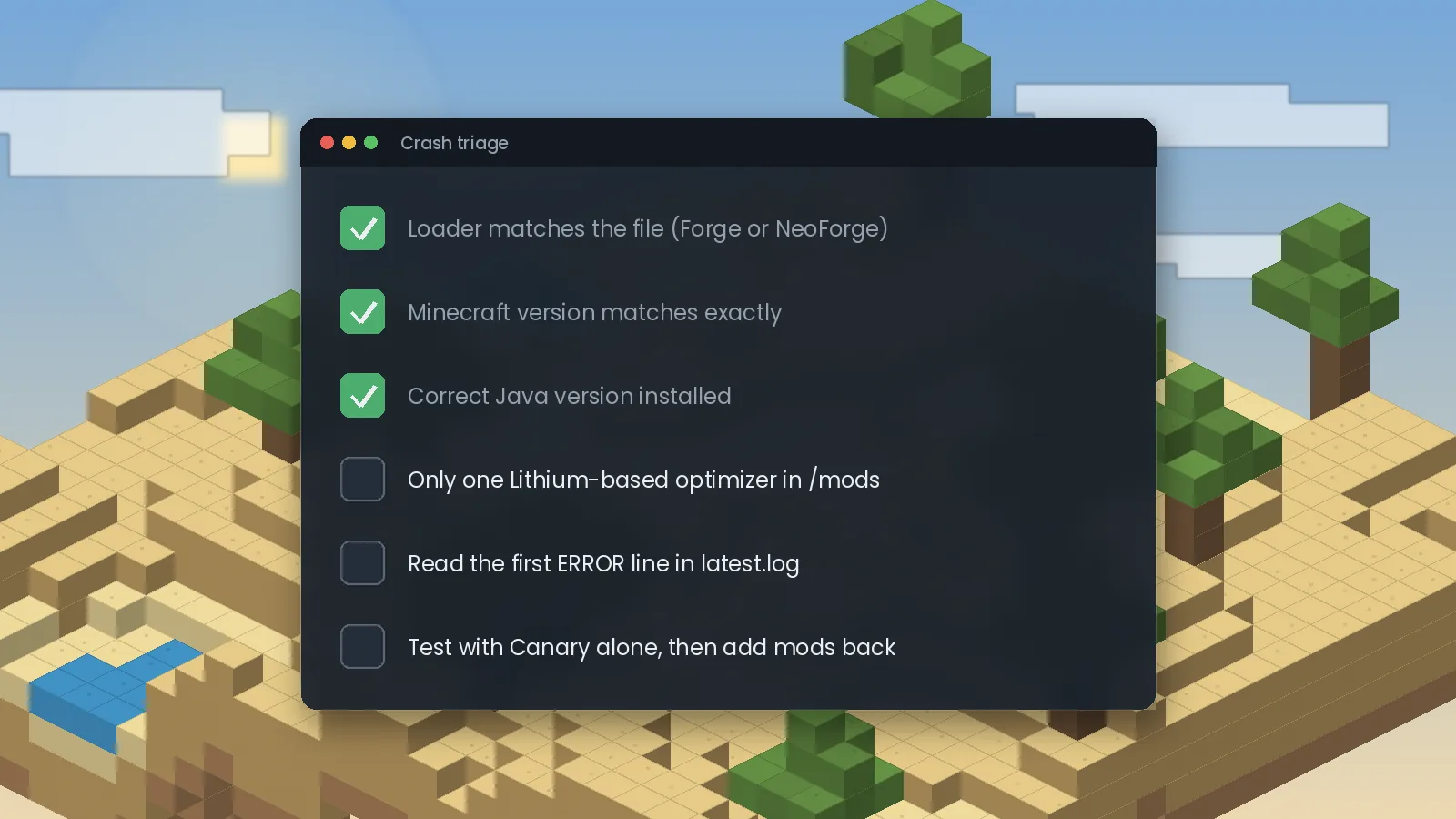
- Most crashes come from a wrong loader, a wrong Minecraft version or the wrong Java.
- Two Lithium-based mods together cause mixin injection failures.
- Read the first ERROR line in latest.log, not the last line.
- Test Canary alone, then add mods back in halves to find a conflict.
Start with the quick checks
Before digging into logs, confirm these three things. They cause the majority of reports:
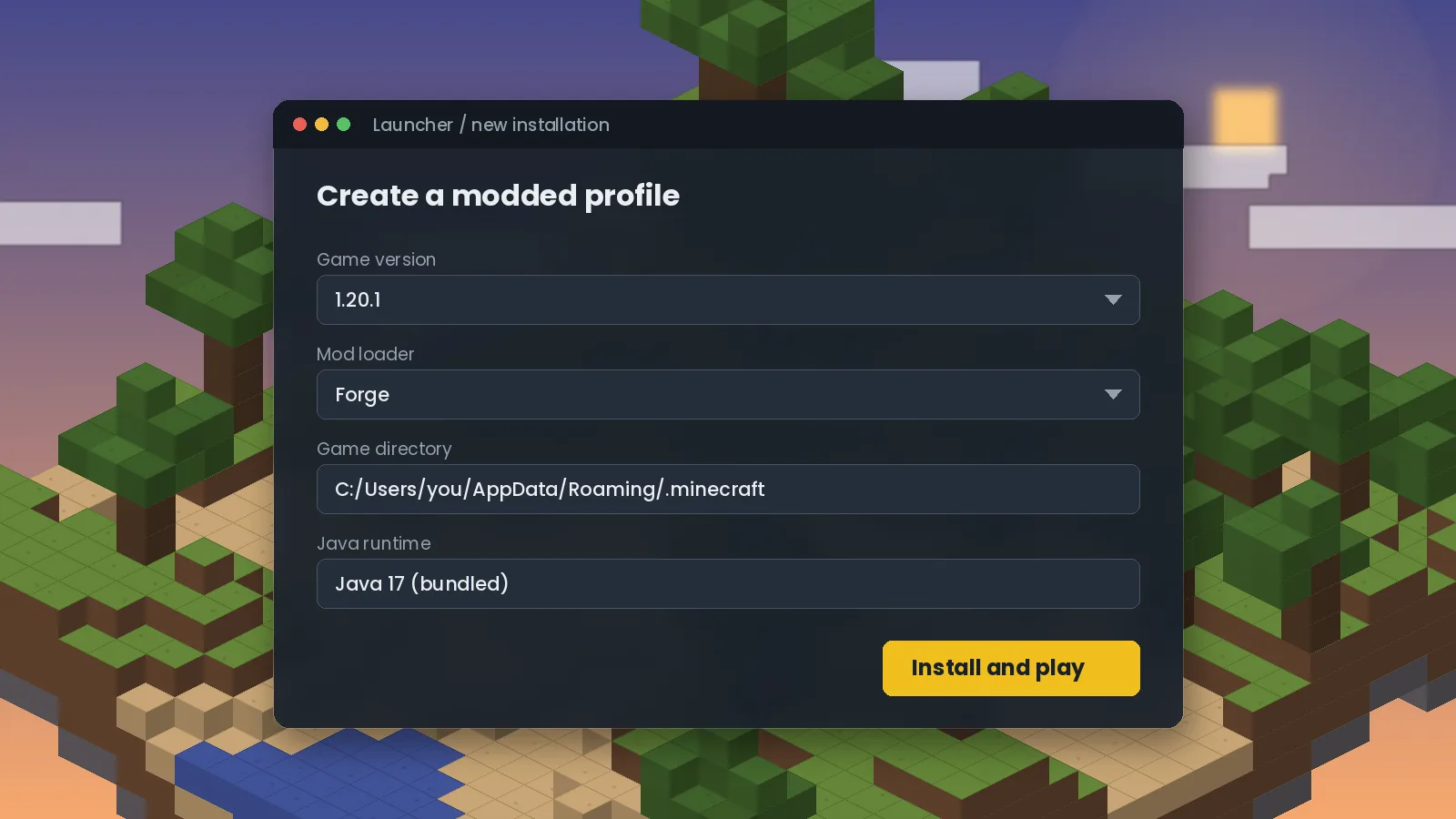
- Loader: a Forge build on NeoForge, or the reverse, will not load. The file page shows which loader it targets.
- Minecraft version: the file must match your exact version, down to the patch number.
- Java: 1.16.5 needs Java 8, 1.18 to 1.20.4 need Java 17, and 1.20.5 or newer need Java 21.
"Mixin apply failed" or injection errors
A mixin error means Canary tried to patch a piece of game code and something was different from what it expected. Two causes dominate:
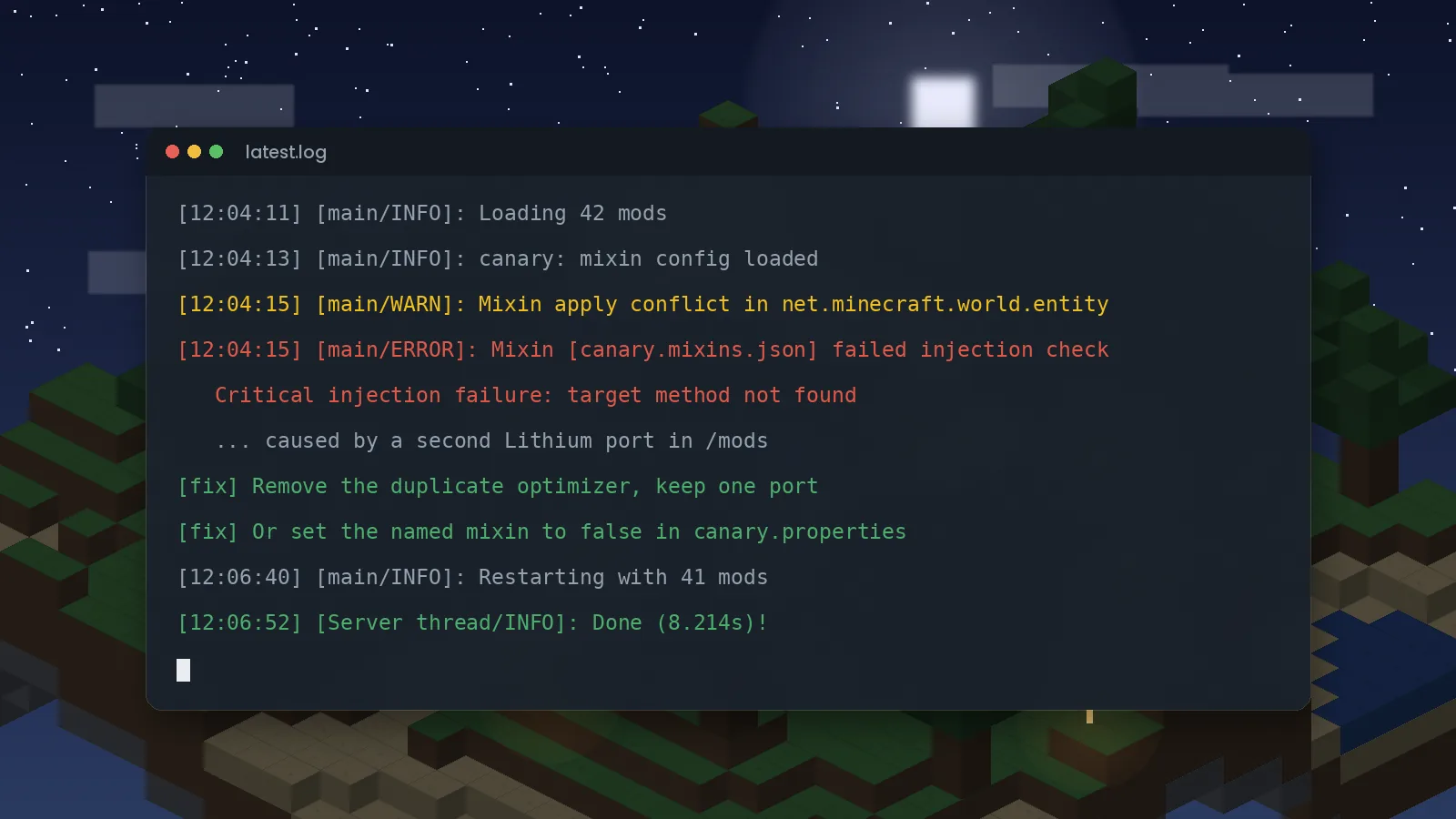
- A second Lithium-based mod. Radium, another Canary copy or Lithium on NeoForge will fight over the same code. Keep one.
- Another mod patches the same method. The crash report will usually name both mods. Disable the specific Canary option involved, as shown in our settings guide.
How to read latest.log
Open logs/latest.log in your Minecraft or server folder. Search for ERROR and read the first match, not the last. Later errors are often side effects of the first one. Look for a mod name, a mixin config name such as canary.mixins.json, or a phrase like "target method not found".
Crash reports in the crash-reports folder include a "Suspected Mods" section. It is a hint, not a verdict; the named mod is sometimes just where the failure surfaced.
Finding a conflict in a big modpack
- Copy your instance so you have a safe test copy.
- Remove every mod except Canary and launch. If this works, Canary itself is fine.
- Add back half of the other mods and test again.
- Keep halving the group that crashes until one mod remains.
This method finds the culprit in a 200-mod pack in about eight launches.
World-specific problems
If the game loads but a particular farm or contraption behaves oddly, test it without Canary in a copy of the world. If it only misbehaves with Canary, report it to the developers on the official GitHub issue tracker with your versions, log and a short description of the build. Canary aims for vanilla parity, so genuine differences are bugs worth reporting.
Still stuck?
Check the known issues section on our homepage, search the official issue tracker for your error message, or contact us with your log and we will point you in the right direction.
Ready to try it? Get the right file from the Canary Mod download section, or browse frequently asked questions.

We test Canary and related performance mods on Forge and NeoForge across multiple Minecraft versions, and we update our guides when new builds or known issues appear. About our editorial process.