Key takeaways
- Match three things: Minecraft version, loader (Forge or NeoForge) and Java version.
- Download only from Modrinth, CurseForge or the official GitHub releases.
- Put the .jar file in the mods folder without unzipping it.
- Check the Mods screen in-game to confirm Canary loaded.
Before you start
You need Minecraft: Java Edition, a mod loader and the matching Canary file. Canary does not run on Bedrock Edition (the version on consoles, phones and the Microsoft Store "Minecraft for Windows" app). Check which Minecraft version your world or modpack uses, because the file must match it exactly.
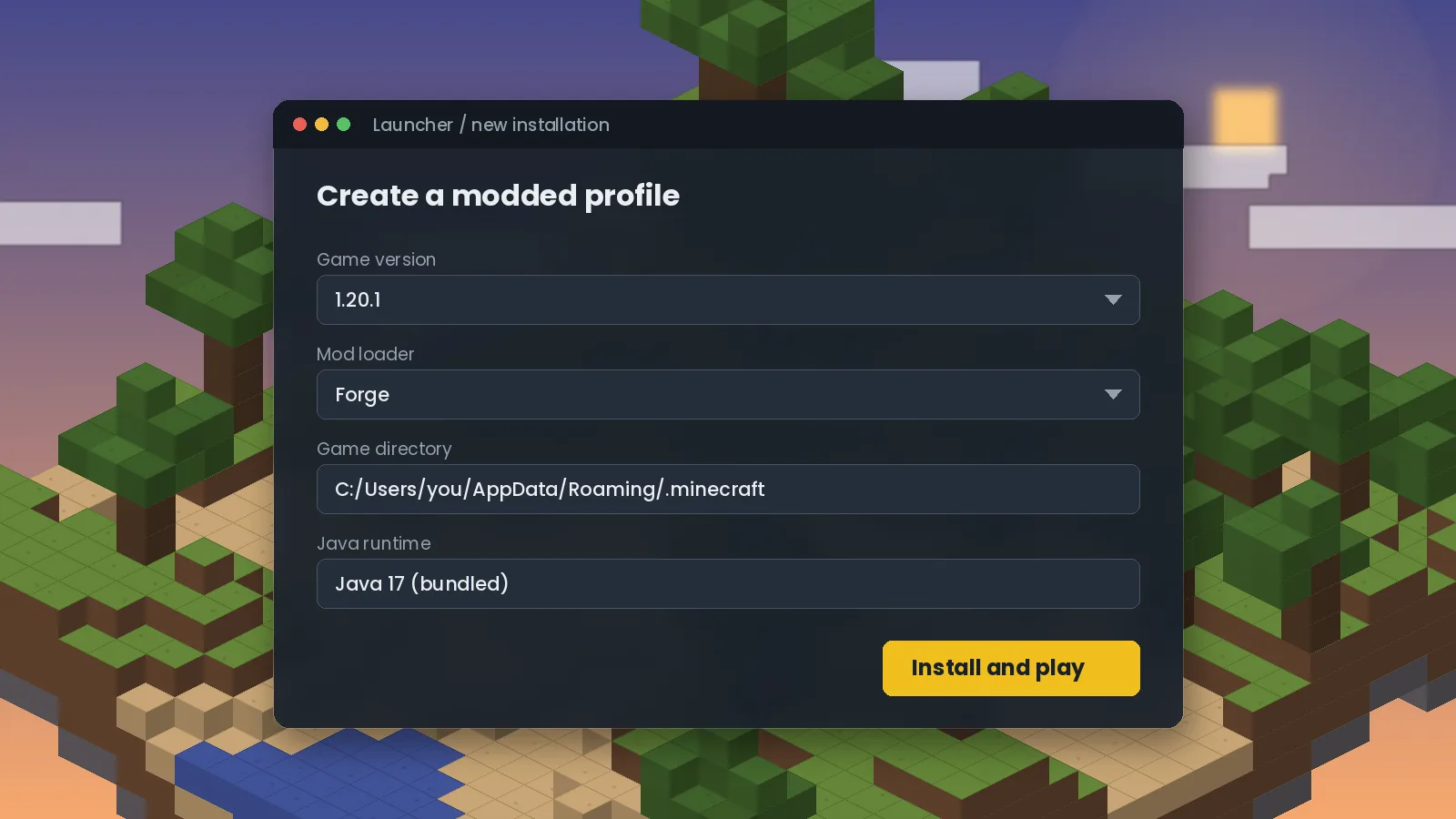
Java matters too. Minecraft 1.16.5 uses Java 8, versions 1.18 to 1.20.4 use Java 17, and 1.20.5 and newer use Java 21. The official launcher bundles the right runtime; third-party launchers usually do as well.
Step 1: Install Forge or NeoForge
For Minecraft 1.20.1 and older, most modpacks use Forge. For 1.21.x, NeoForge is the common choice. Download the installer from the loader's official site, run it, choose Install client and let it finish. Open the Minecraft Launcher once and start the new profile so it creates its folders, then close the game.
Step 2: Download the right Canary file
Open Canary's page on Modrinth or CurseForge. Filter the file list by your Minecraft version and loader, then download the newest file that matches. If you are unsure which version you need, our version guide walks through it.
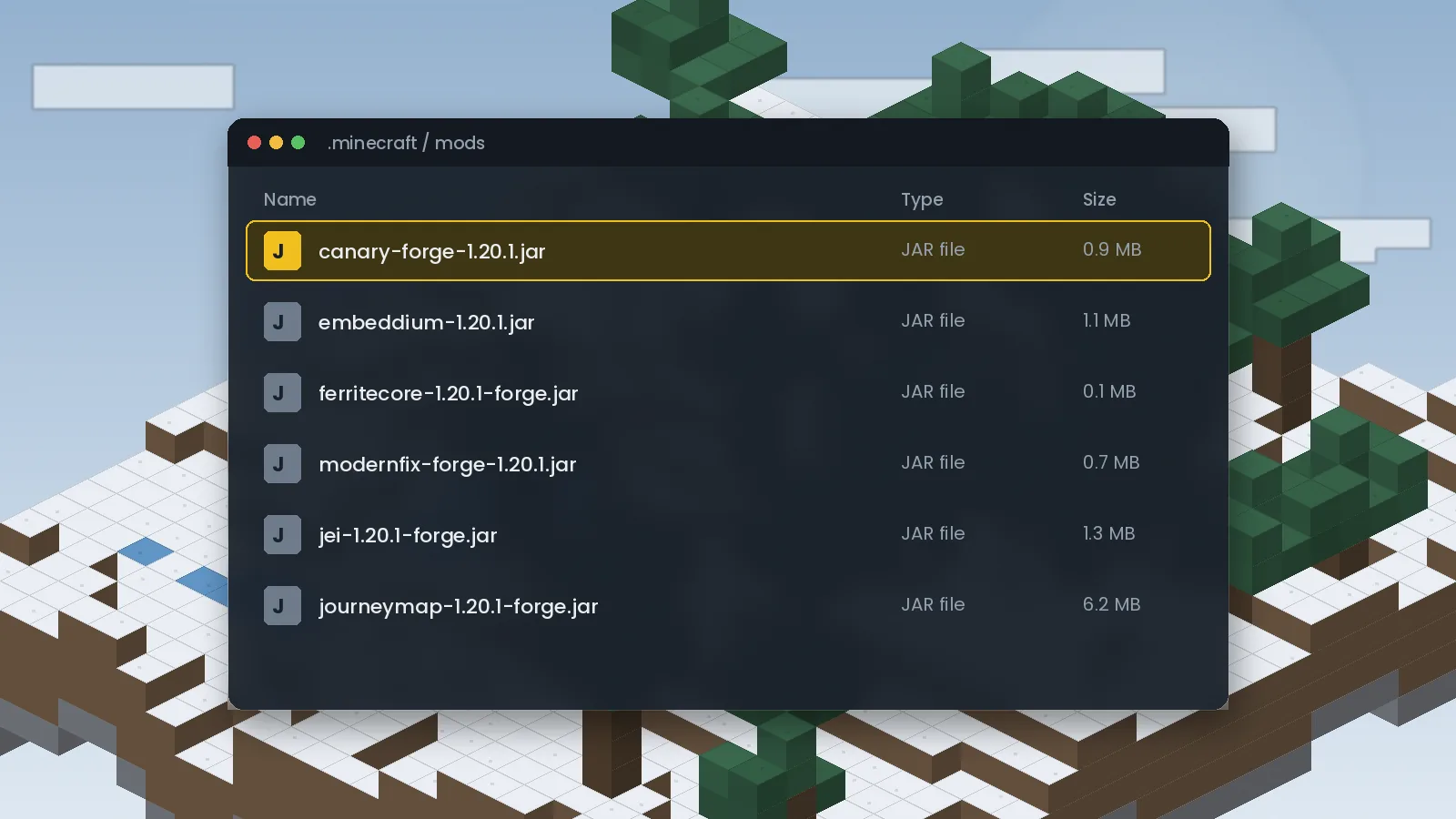
Step 3: Place the file in your mods folder
Open your mods folder:
- Windows: press Win + R, type
%appdata%\.minecraftand open themodsfolder. - macOS: in Finder choose Go, then Go to Folder, and enter
~/Library/Application Support/minecraft/mods. - Linux: open
~/.minecraft/mods.
Create the mods folder if it does not exist. Drag the Canary .jar in as it is. Do not unzip it.
Step 4: Launch and confirm
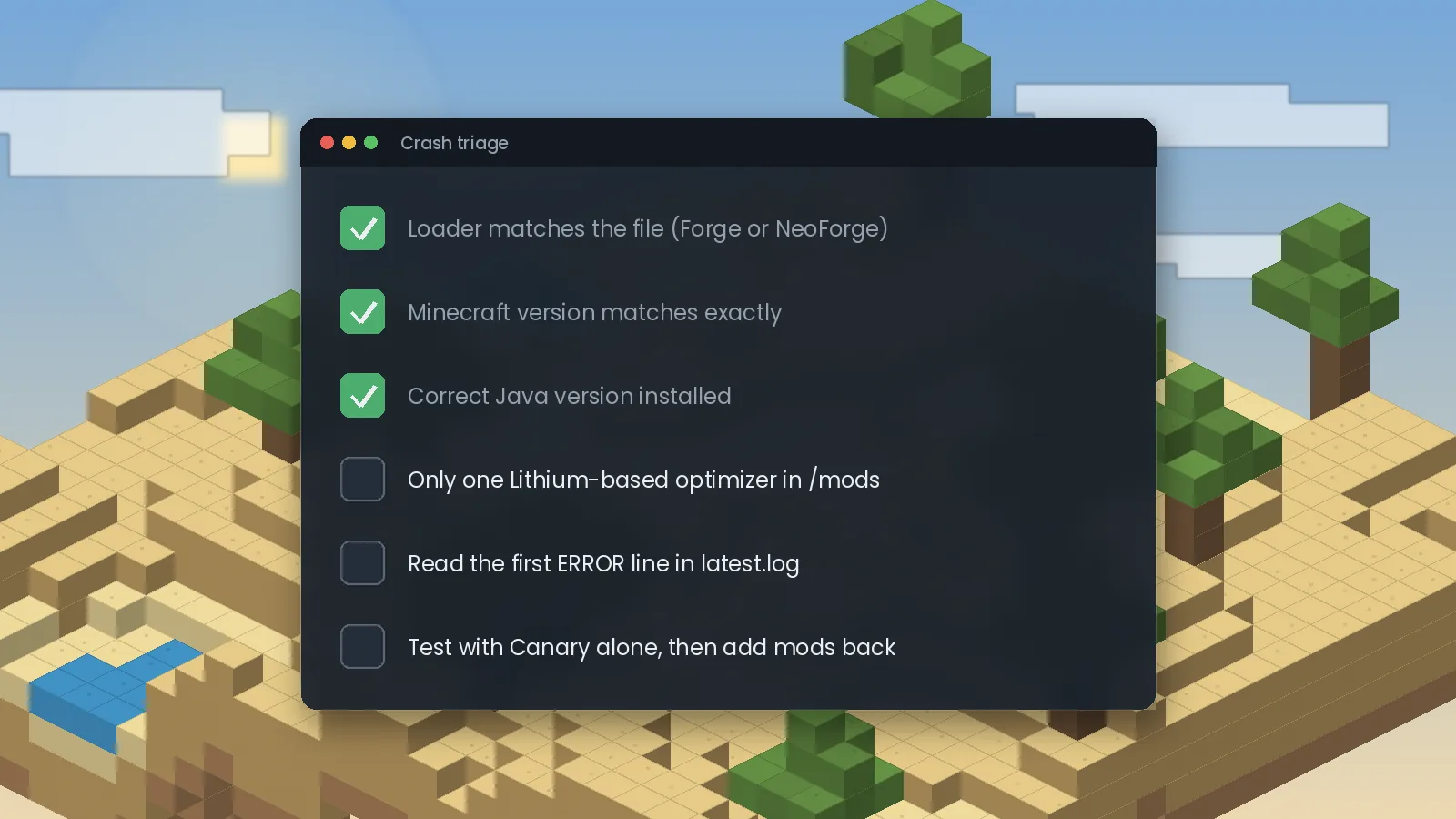
Start the Forge or NeoForge profile. On the title screen, click Mods and look for Canary in the list. If it is there, you are done. If the game crashes, open logs/latest.log and look at the first line containing ERROR, then see our crash fix guide.
Installing on a server
For a dedicated server, place the same jar in the server's mods folder and restart. Canary's work happens where the world is simulated, so on multiplayer the server copy does most of the good. Installing it on clients as well is harmless and helps in single-player.
Using CurseForge, Prism or Modrinth App
Launchers such as the CurseForge app, Prism Launcher and the Modrinth App can add Canary with one click from their built-in browsers. They pick a compatible file automatically, which removes most version mistakes. Once installed, you can fine-tune options as described in our settings guide.
Ready to try it? Get the right file from the Canary Mod download section, or browse frequently asked questions.
We test Canary and related performance mods on Forge and NeoForge across multiple Minecraft versions, and we update our guides when new builds or known issues appear. About our editorial process.