Key takeaways
- Every Canary file targets a single Minecraft version and loader.
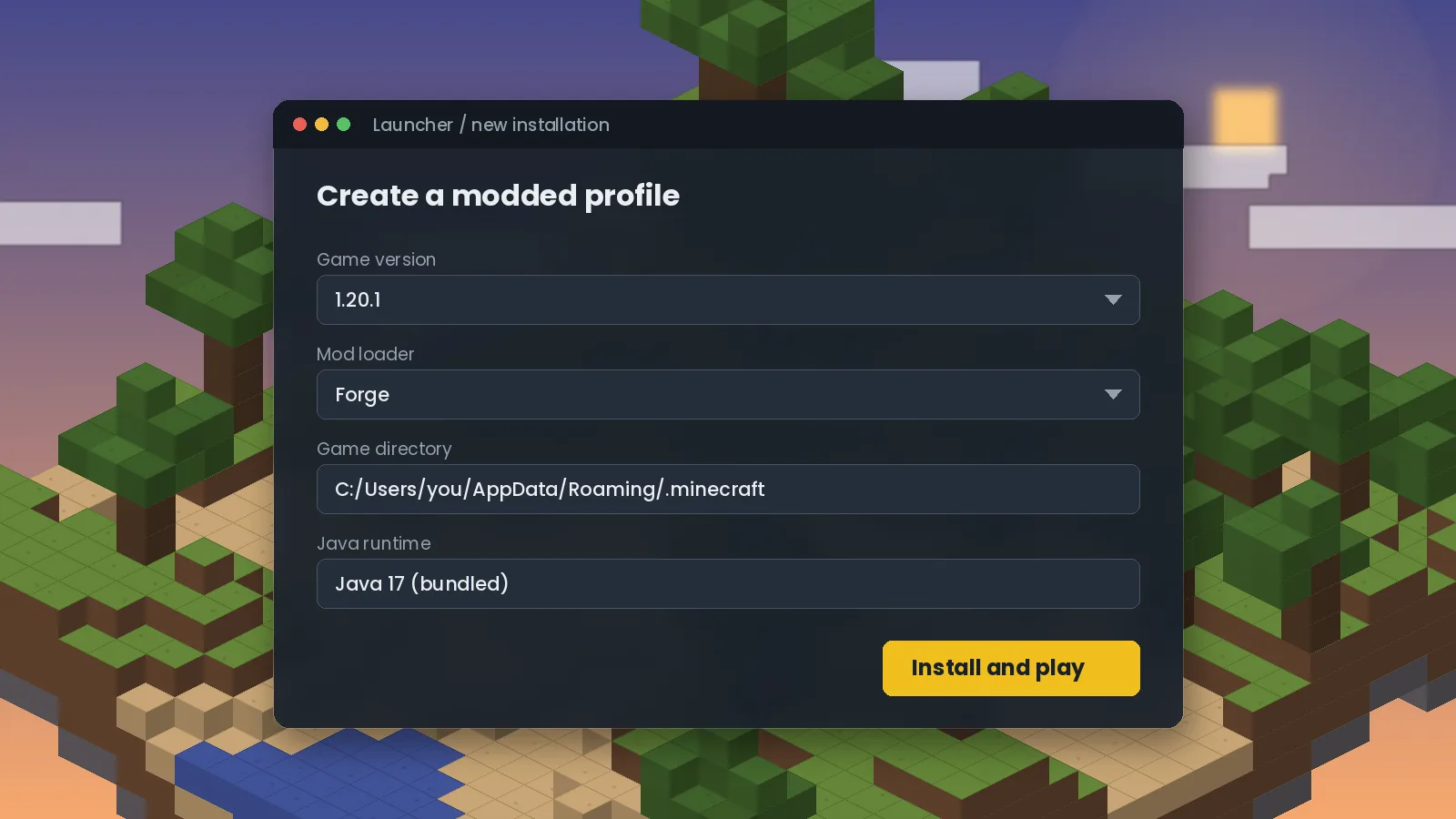
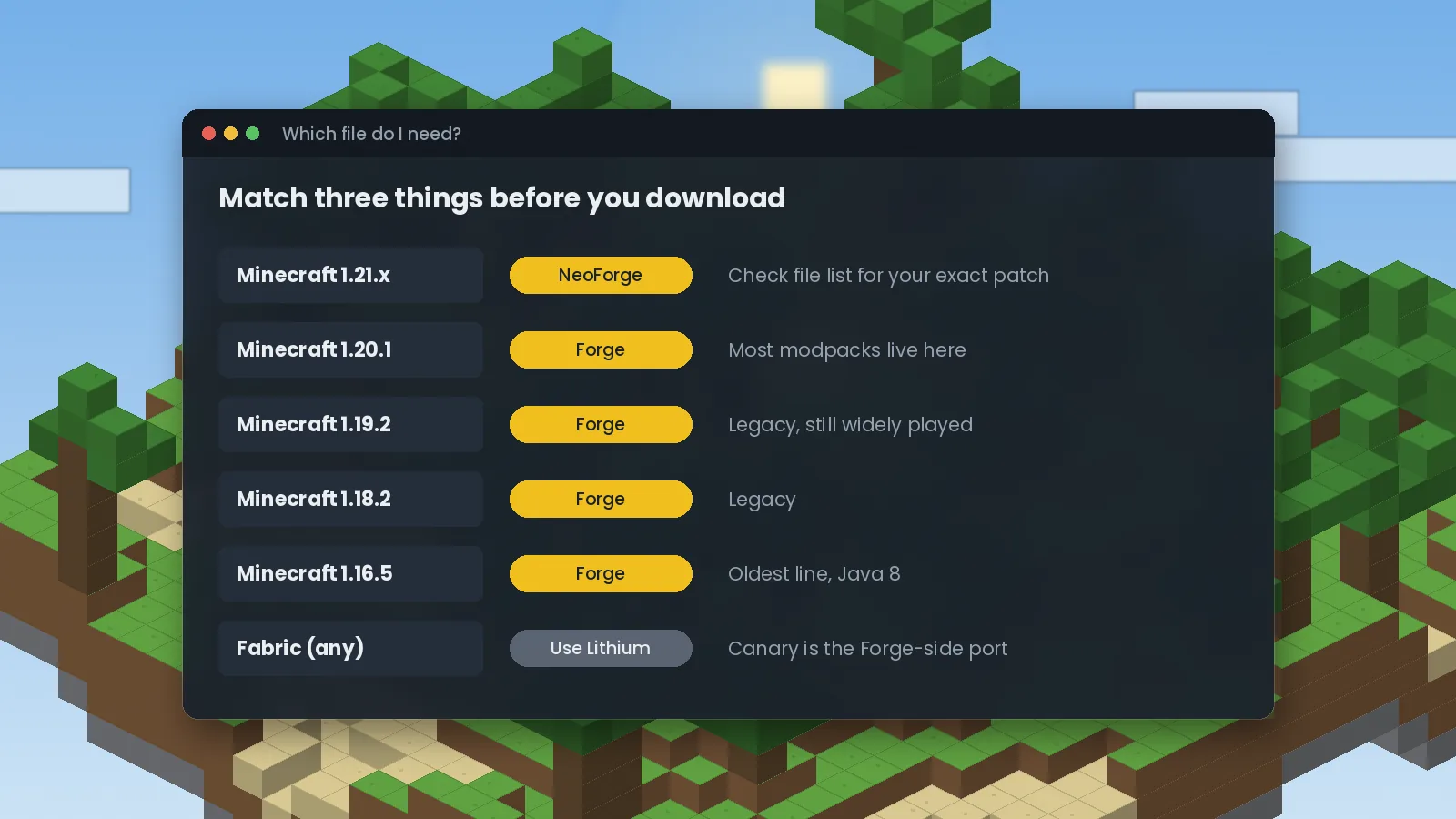
- 1.21.x worlds usually run on NeoForge; 1.20.1 and older mostly on Forge.
- Patch versions matter: a 1.21.1 file is not guaranteed to load on 1.21.10 or 1.21.11.
- Always confirm availability on the official file list before updating a world.
Why the exact version matters
Canary works by patching Minecraft's own code. When Mojang releases a new version, even a small patch, method names and internal logic can change. A Canary build made for one version may fail to find the code it expects in another, which is why the game crashes with a "mixin" error when versions are mixed. Treat the Minecraft version on the file as a hard requirement.
Canary Mod for 1.21.1
Minecraft 1.21.1 became a long-lived modding version, much like 1.20.1 before it. Many NeoForge modpacks settled there. If your pack is on 1.21.1, filter Canary's file list by 1.21.1 and NeoForge and take the newest match. You will need Java 21.
Canary for 1.21.10 and 1.21.11
Later 1.21 patches such as 1.21.10 and 1.21.11 changed enough internals that mods need separate builds. Canary support for the newest patches can arrive days or weeks after Mojang ships them, and sometimes a version is skipped. Check the official file list for your exact number. If there is no file yet, stay on your current version rather than forcing an older jar; it will not load correctly.
Canary for 1.20.1 and other Forge versions
Minecraft 1.20.1 on Forge is still one of the most played modded versions, and Canary has long supported it. Older lines, including 1.19.2 and 1.18.2, have Forge builds too. These use Java 17. For the oldest supported line, 1.16.5, see our legacy versions guide.
Quick matching table
| Minecraft | Usual loader | Java | Notes |
|---|---|---|---|
| 1.21.10 / 1.21.11 | NeoForge | 21 | Check the file list for your exact patch |
| 1.21.1 | NeoForge | 21 | Popular long-term modding version |
| 1.20.1 | Forge | 17 | Largest modpack ecosystem |
| 1.19.2 / 1.18.2 | Forge | 17 | Older but widely played |
| 1.16.5 | Forge | 8 | Oldest line with Canary builds |
Updating Canary safely
Updating Canary within the same Minecraft version is low risk because it does not add blocks or items. Still, back up your world first, replace the old jar rather than keeping both, and launch once to check the log. Upgrading Minecraft itself is a bigger step: every mod in your pack needs a matching build. Our installation guide shows how to set up a clean profile for a new version.
Ready to try it? Get the right file from the Canary Mod download section, or browse frequently asked questions.
We test Canary and related performance mods on Forge and NeoForge across multiple Minecraft versions, and we update our guides when new builds or known issues appear. About our editorial process.