Key takeaways
- Canary is a free, open-source port of the Lithium optimizations to Forge and NeoForge.
- It speeds up game logic (mobs, collisions, hoppers, ticking), not graphics.
- It is designed to keep vanilla behaviour, so farms and redstone keep working.
- Pair it with a rendering mod for higher FPS; Canary alone mainly helps TPS and stutter.
The short answer
Canary Mod is a free, open-source Minecraft mod that makes the game's internal logic run faster on Forge and NeoForge. It is a port of Lithium, the well-known Fabric optimization mod from the CaffeineMC team, maintained for the Forge side by developer AbdElAziz333. Canary does not change how blocks, mobs or redstone behave. It changes how efficiently the game calculates them.
If you have ever watched mobs stutter across a field, seen hoppers lag a base, or noticed a server fall below 20 ticks per second, you have met the problem Canary targets.
Why ticks matter more than FPS
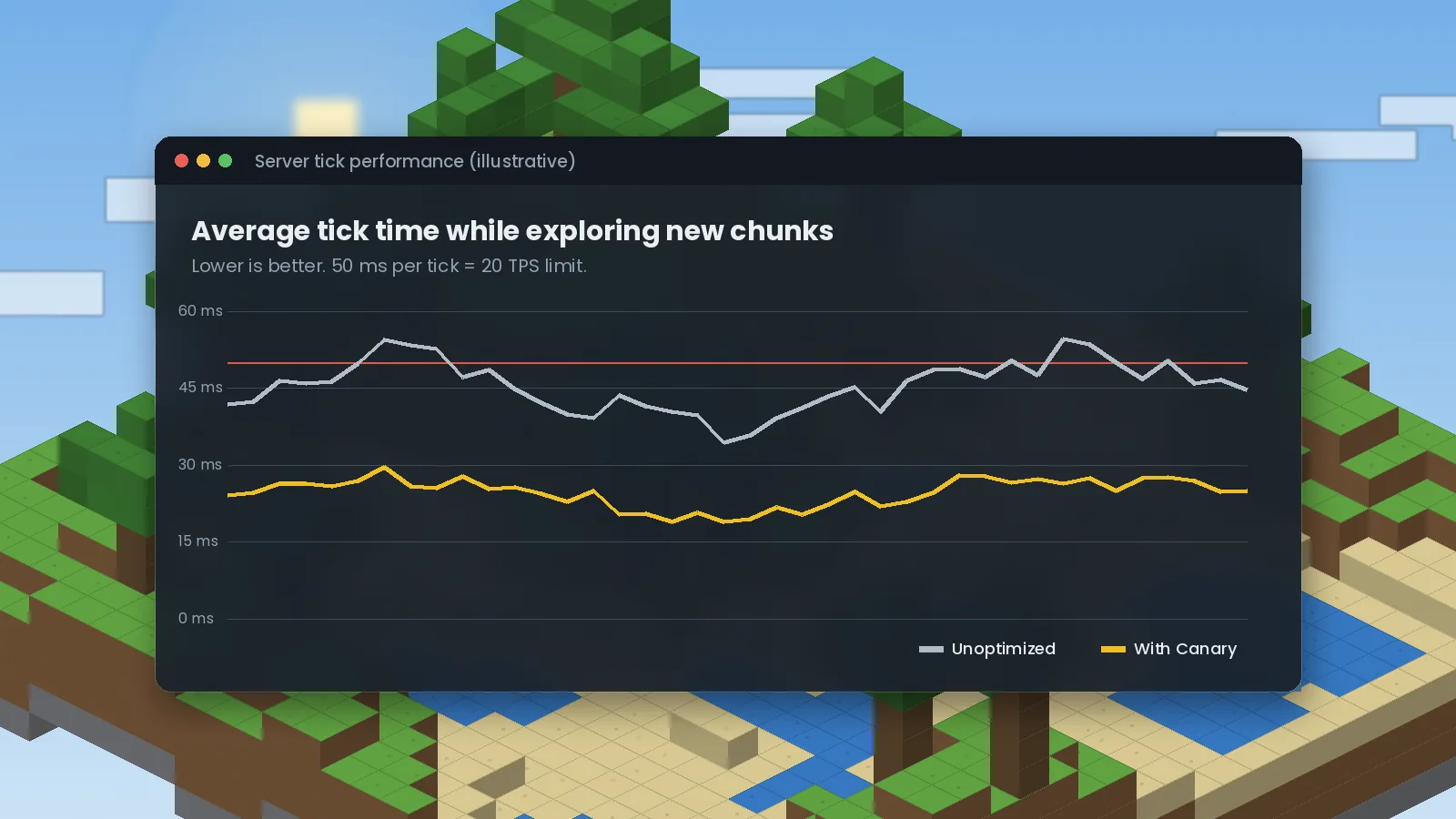
Minecraft runs its world in ticks. The game aims for 20 ticks every second, which gives each tick a budget of 50 milliseconds. Inside that budget the game moves every mob, checks collisions, grows crops, runs hoppers and updates block entities. When a tick takes longer than 50 ms, the whole world slows down: mobs rubber-band, furnaces smelt slower and redstone clocks drift.
Frames per second is a different number. FPS is how fast your graphics card draws the picture. A world can show 144 FPS and still feel sluggish because the ticks behind it are overloaded. That is why Canary helps even on powerful PCs, and why it matters even more in single-player, where your computer runs a hidden server for your own world.
What Canary actually optimizes
Canary applies dozens of small, targeted improvements. Each one is a mixin, a patch that swaps a slow piece of vanilla code for a faster version that returns the same result. The main areas are:
- Mob AI and pathfinding: fewer wasted checks when mobs look for targets, food or a route.
- Entity collisions: faster collision math, a big win in mob farms and crowded pens.
- Block entities: hoppers, furnaces and similar blocks sleep when there is nothing for them to do.
- Chunk and world ticking: leaner random ticks and scheduled updates.
- Memory allocation: fewer short-lived objects, so Java's garbage collector interrupts the game less often.
How Canary relates to Lithium
Lithium is built for Fabric. Forge and NeoForge players could not use it directly for a long time, so Canary brought the same ideas across. Think of it as the same recipe cooked in a different kitchen. That is also why you should never install Canary next to another Lithium-based port such as Radium: two mods patching the same code usually crash on launch. Our Canary vs Lithium comparison covers this in detail.
Who should install it
Canary is a sensible default for almost anyone on Forge or NeoForge. It is especially useful if you run a server for friends, play a large modpack, build big mob farms, or play on a laptop where every millisecond counts. Because it keeps vanilla behaviour, technical players who rely on exact mechanics can use it too.
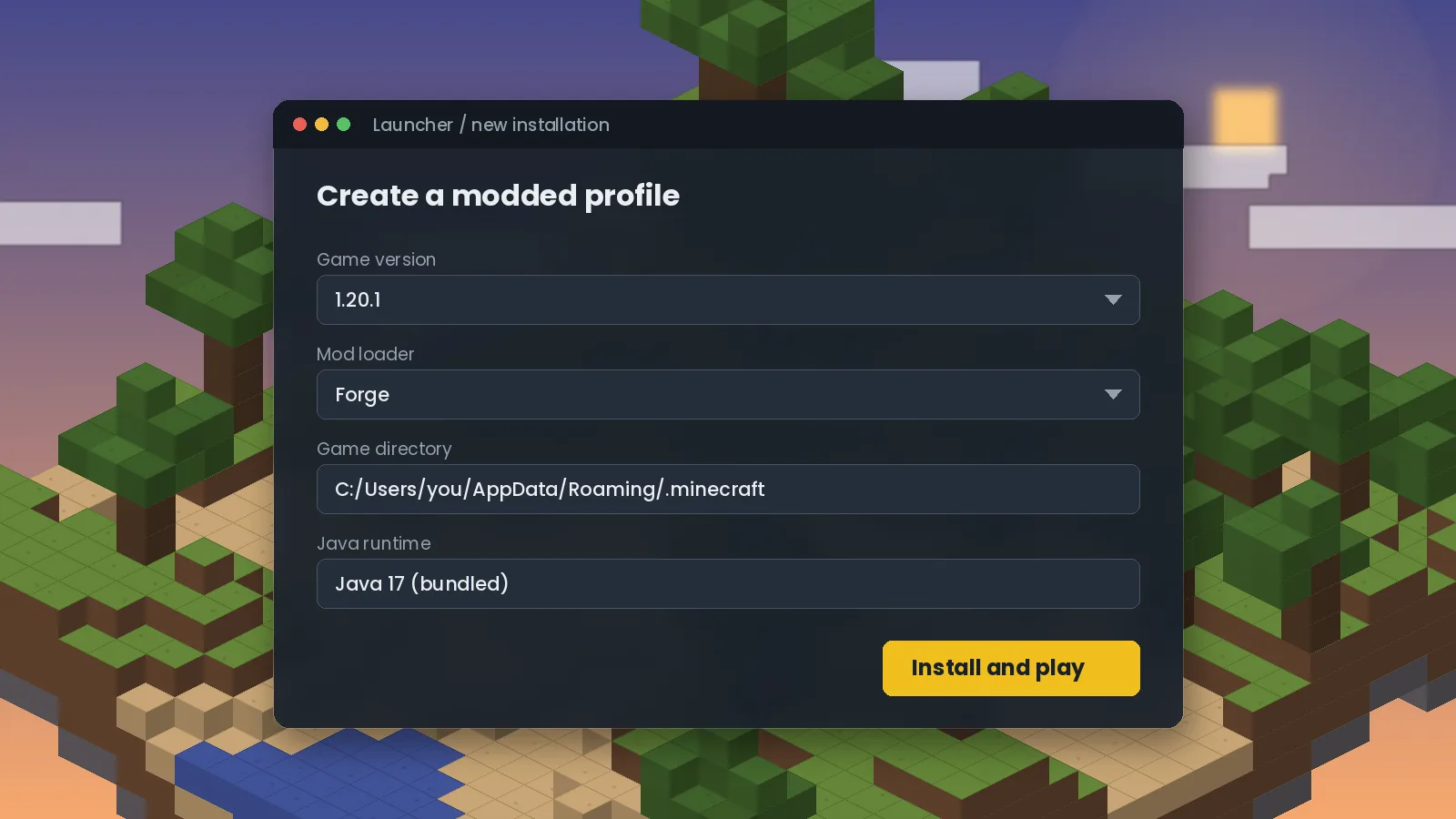
New to modding? Start with our step-by-step Canary installation guide. It takes about five minutes.
Setting realistic expectations
Canary is not a magic FPS button. It shines when the game logic is the bottleneck: many entities, many chunks, lots of machines. On a small, quiet world you may notice little change, because there was little lag to remove. For higher frame rates, add a rendering mod such as Embeddium, as we explain in our performance stack guide.
Ready to try it? Get the right file from the Canary Mod download section, or browse frequently asked questions.

We test Canary and related performance mods on Forge and NeoForge across multiple Minecraft versions, and we update our guides when new builds or known issues appear. About our editorial process.