
Key takeaways
- Canary covers game logic: mobs, collisions, ticking and machines.
- Embeddium covers rendering and FPS; FerriteCore reduces memory use.
- ModernFix speeds up launching and fixes assorted inefficiencies.
- Avoid pairs that do the same job, such as two Lithium ports.
Four bottlenecks, four mods
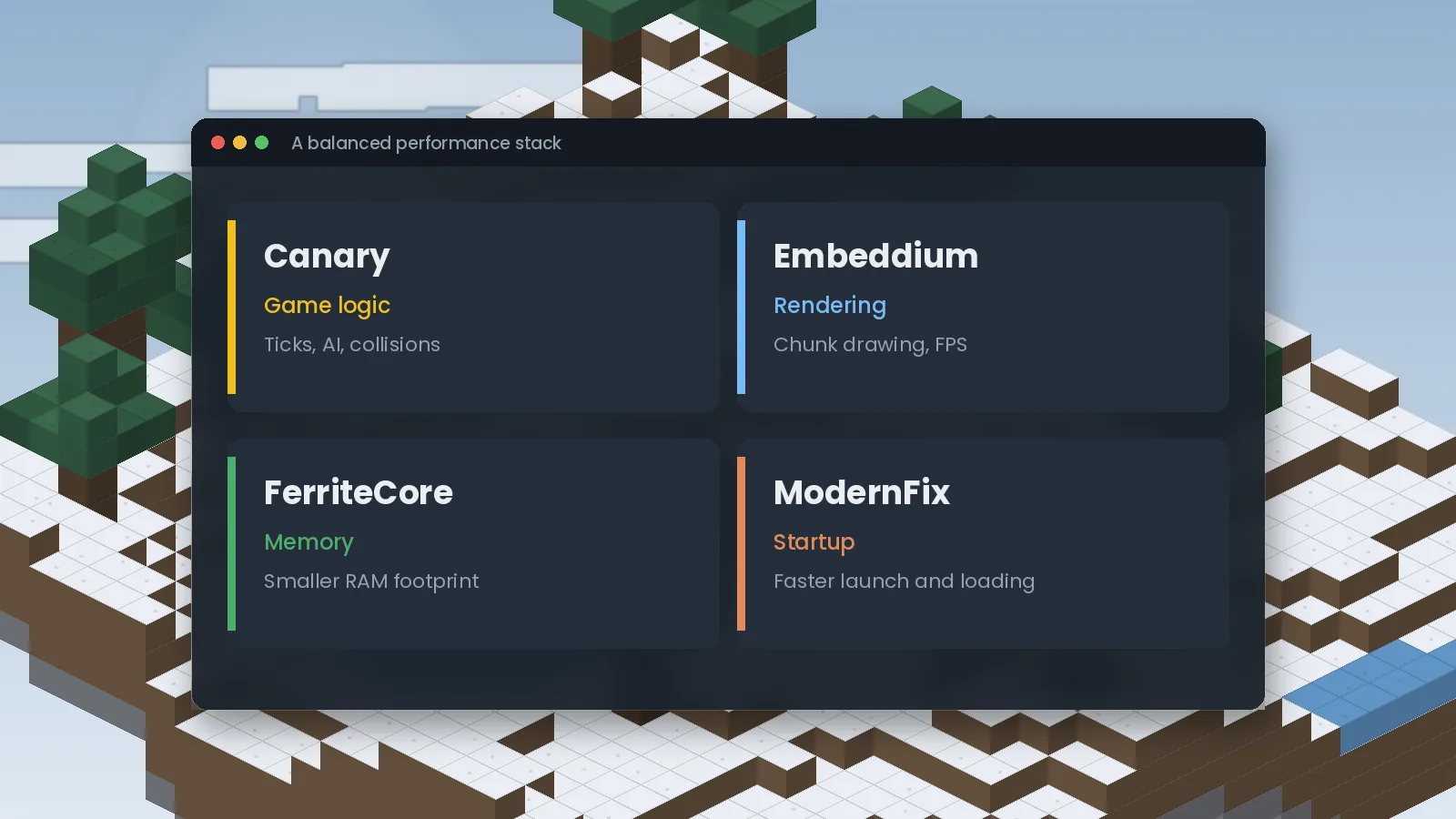
Minecraft slows down for different reasons at different times. Picking one mod for each bottleneck gives you the biggest gain with the least risk:
| Bottleneck | Symptom | Mod |
|---|---|---|
| Game logic | Laggy mobs, low TPS, slow machines | Canary |
| Rendering | Low FPS, stutter when turning | Embeddium |
| Memory | High RAM use, frequent pauses | FerriteCore |
| Startup | Long launch and world load times | ModernFix |
Canary: the logic layer
Canary handles what happens inside each tick. It matters most in automation-heavy packs, large mob farms and multiplayer servers. On a server, install it server-side at a minimum. Read our beginner explainer for more on how it works.
Embeddium: the rendering layer
Embeddium is a Forge and NeoForge port of the Sodium rendering engine. It redraws chunks far more efficiently than vanilla and usually delivers the biggest FPS jump of any single mod. It is client-side only. Some shader and visual mods need specific versions or add-ons, so check compatibility notes if you use them.
FerriteCore: the memory layer
FerriteCore reduces how much memory Minecraft uses to store block states and models. Large modpacks can save a noticeable amount of RAM, which means fewer garbage collection pauses. It works on both client and server and rarely conflicts with anything.
ModernFix: the startup layer
ModernFix speeds up launch and world loading and fixes a long list of small inefficiencies. In big packs, launch times can drop dramatically. It overlaps a little with FerriteCore in memory savings, but the two are designed to work together.
What not to combine
- Canary with Radium or Lithium on the same instance.
- Embeddium with Rubidium or another Sodium port.
- Several "all-in-one" performance mods that each replace the same systems.
When in doubt, check each mod's page for listed incompatibilities, and use the crash checklist if something fails.
A note on RAM allocation
More memory is not always better. Allocating far more than a pack needs can make garbage collection pauses longer. For most packs, 4 to 8 GB is plenty. Follow your modpack author's recommendation first, then adjust in small steps.
Ready to try it? Get the right file from the Canary Mod download section, or browse frequently asked questions.

We test Canary and related performance mods on Forge and NeoForge across multiple Minecraft versions, and we update our guides when new builds or known issues appear. About our editorial process.